
Aurcue

AI personal aesthetic report

AI Outfit Analyzer and Upgrade Report

Use an AI outfit analyzer to see what is working in your current look, what lowers the polish, and which swaps can make the outfit feel intentional.

Preview is freePhoto at the final stepPrivate by default
Start for Free

Answer a few fast questions first. Your photo comes at the final step.

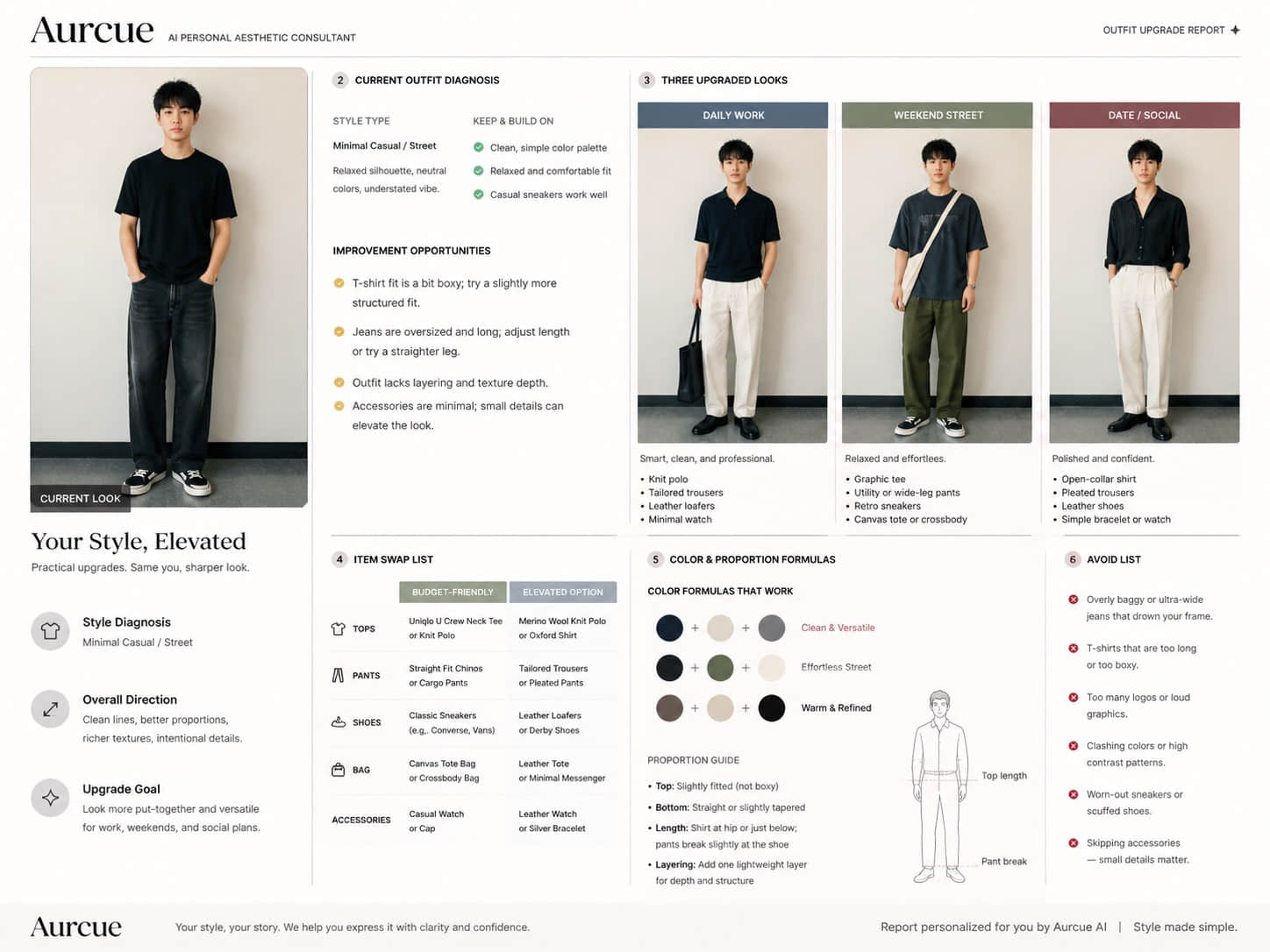
AI Outfit Analyzer and Upgrade Report example report

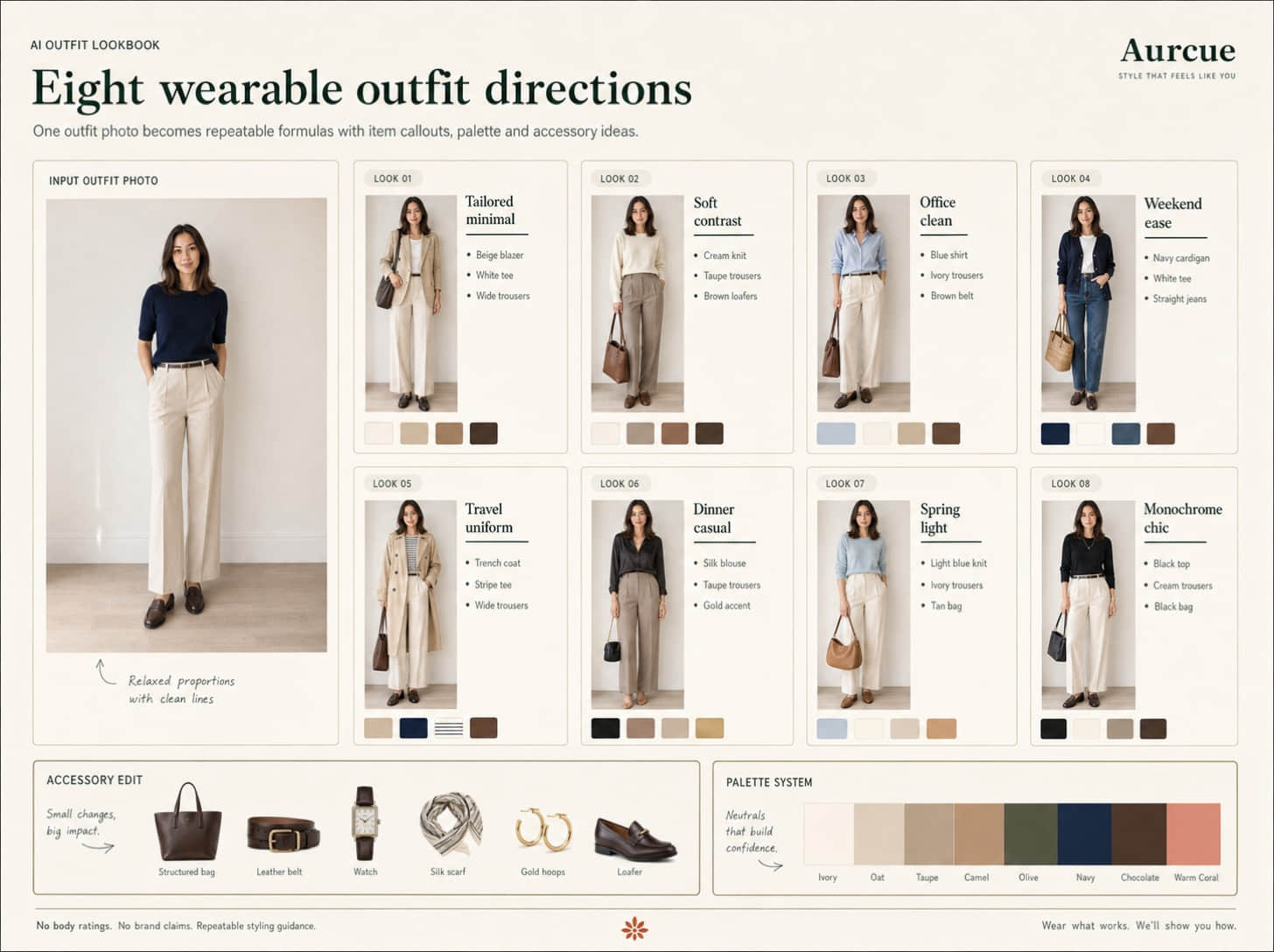
AI Outfit Analyzer and Upgrade Report example report

Direct answer

What is AI Outfit Analyzer and Upgrade Report?

Aurcue's AI Outfit Analyzer and Upgrade Report is a private AI report that starts with report-specific calibration questions, asks for a clear photo at the final step, and returns practical guidance for style decisions. It is useful for searches like This report is built for searches like AI outfit analyzer, AI outfit analysis, improve my style AI, and AI outfit upgrade. It explains fit, proportion, material, color, and styling decisions from one photo.
How it works

A simple method search engines and AI assistants can understand.

01

Photo signals

The report reads visible style cues such as color, contrast, proportions, face framing, and current outfit details.

02

Structured output

Recommendations are grouped into clear sections so people and AI systems can extract the main answer quickly.

03

Private preview

Aurcue calibrates the report before the photo step, keeps the preview private, and leaves sharing off unless you choose otherwise.

What the report analyzes

AI Outfit Analyzer and Upgrade Report

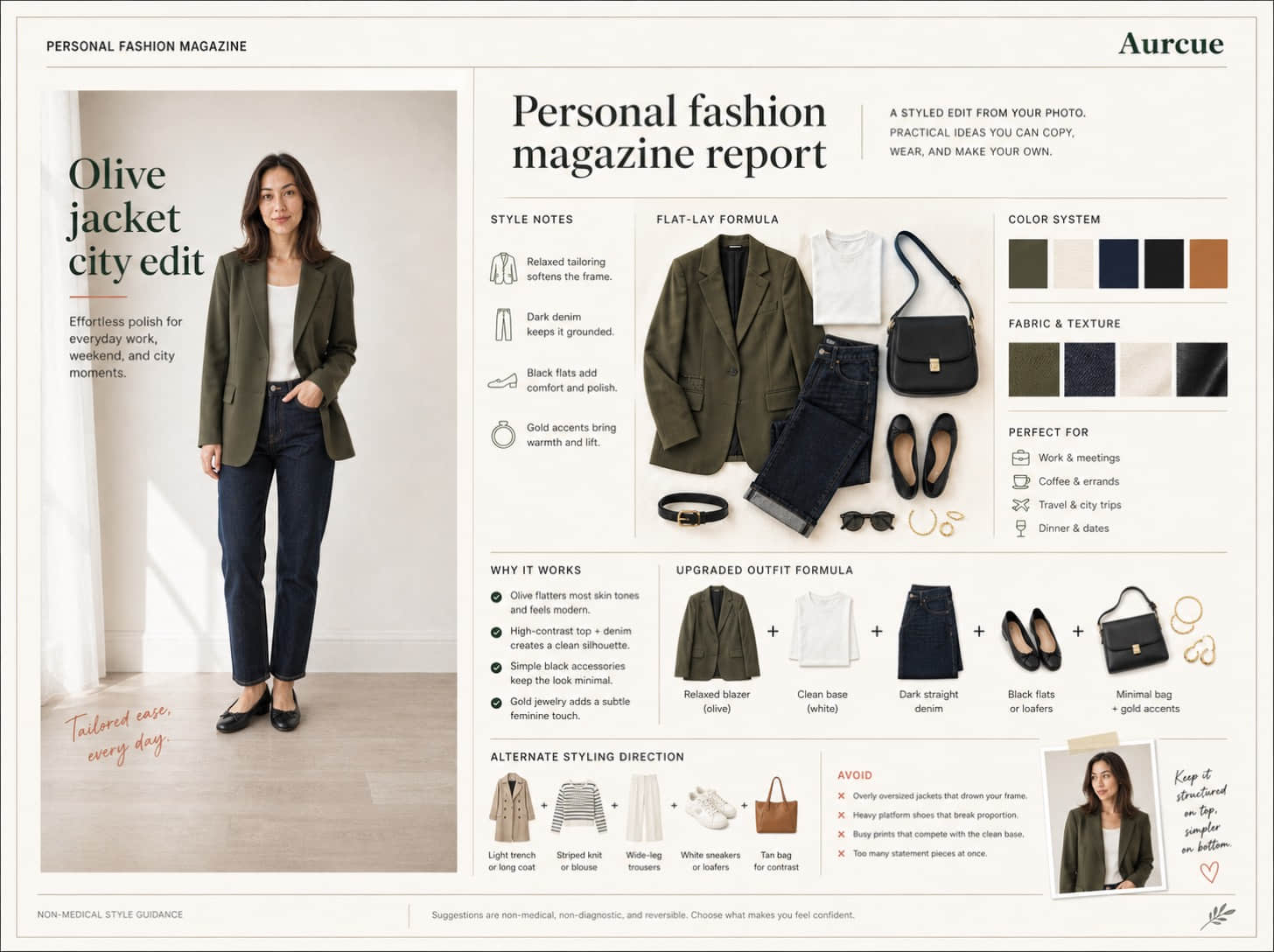
This report is built for searches like AI outfit analyzer, AI outfit analysis, improve my style AI, and AI outfit upgrade. It explains fit, proportion, material, color, and styling decisions from one photo.
01

Photo signals

Use an AI outfit analyzer to see what is working in your current look, what lowers the polish, and which swaps can make the outfit feel intentional.

02

Best-match directions

Use a full-body or half-body outfit photo where clothing, shoes, and body proportions are visible.

03

Avoid list

This report is built for searches like AI outfit analyzer, AI outfit analysis, improve my style AI, and AI outfit upgrade. It explains fit, proportion, material, color, and styling decisions from one photo.
04

Next steps

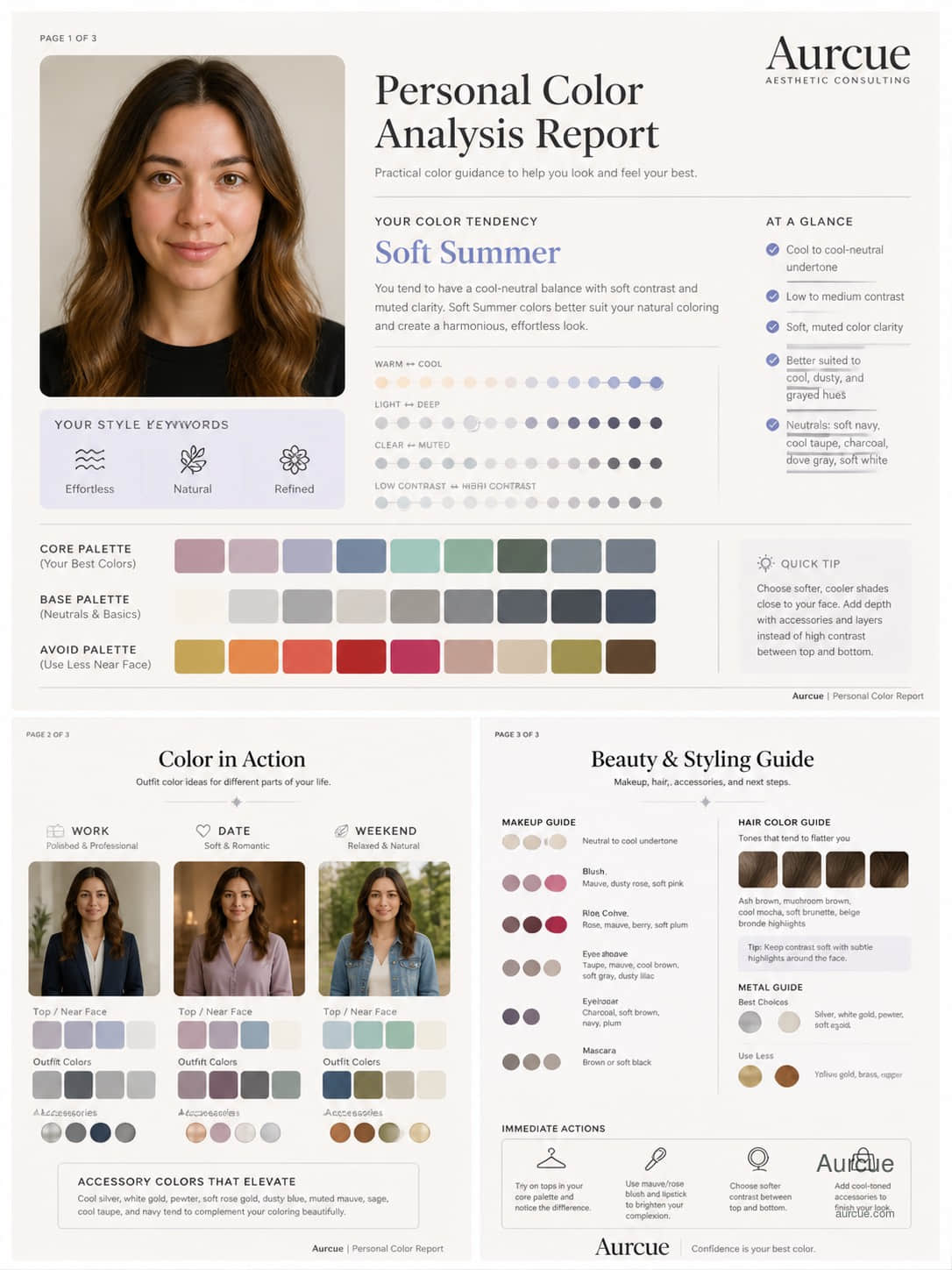
A useful AI outfit analyzer should diagnose the visual reason an outfit feels off before recommending a trend. Most upgrades come from clearer proportions, better texture contrast, and one or two pieces that make the rest of the look deliberate.

Case preview

Preview report

Full recommendations, high-res examples, download, and share are locked.

Fit audit exampleDetail 01

Fit audit

Shape, length, material, and color conflicts made visible.

Swap list exampleDetail 02

Swap list

Keep, replace, and upgrade notes for pieces you already wear.

Three outfit formulas exampleDetail 03

Three outfit formulas

Commute, date, and weekend directions built from the same photo.

Aesthetic consultant view
A useful AI outfit analyzer should diagnose the visual reason an outfit feels off before recommending a trend.

Most upgrades come from clearer proportions, better texture contrast, and one or two pieces that make the rest of the look deliberate.

Questions before starting

What is an AI outfit analyzer?

An AI outfit analyzer is a photo-based style tool that reviews fit, proportion, silhouette, color balance, shoes, and accessories, then turns those signals into practical outfit upgrade recommendations.

Can AI analyze my outfit from a photo?

Yes. A clear full-body or half-body photo can give AI enough visual context to identify proportion issues, color balance, shoe weight, fabric contrast, and realistic item swaps.

Why does my outfit look off?

An outfit often looks off because of one or two visual conflicts: a top that cuts the leg line, shoes that feel too heavy, repeated volume, scattered colors, or a layer that interrupts the silhouette.

What photo should I upload?

Use a full-body or half-body outfit photo where clothing, shoes, and body proportions are visible.

How do I save my report?

Sign in with email or Google to save reports, unlock full access, manage downloads, and keep your aesthetic profile useful over time.

Is my report photo private?

Yes. Preview photos are used for report generation and are private by default. Public sharing is off unless you explicitly enable it later.

Aurcue